Uploading Files
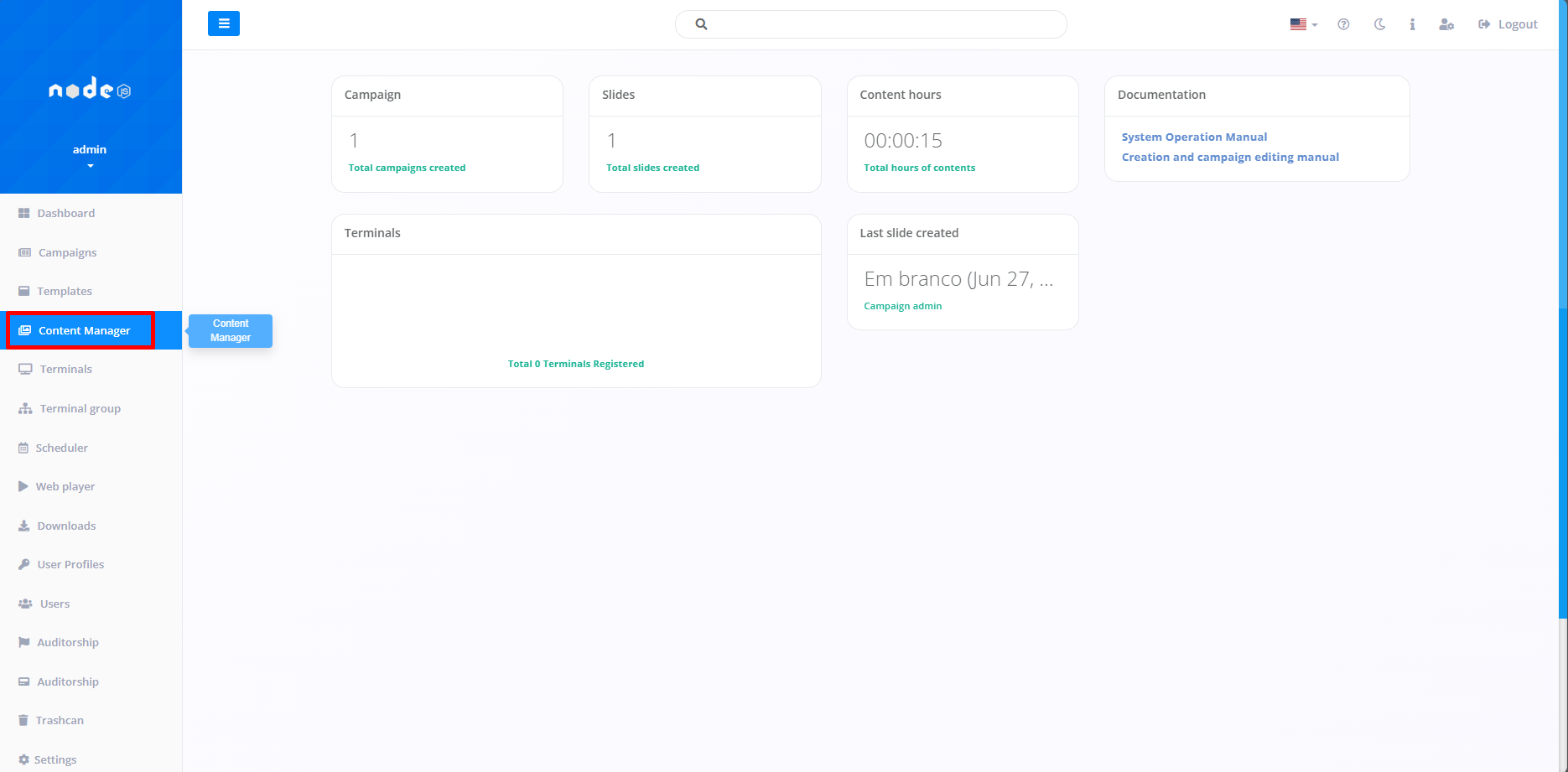
The first step in uploading a File is to access the "Content Manager" tab. This function allows you to manage a Media File, such as images and videos, thus facilitating the Slide creation process.
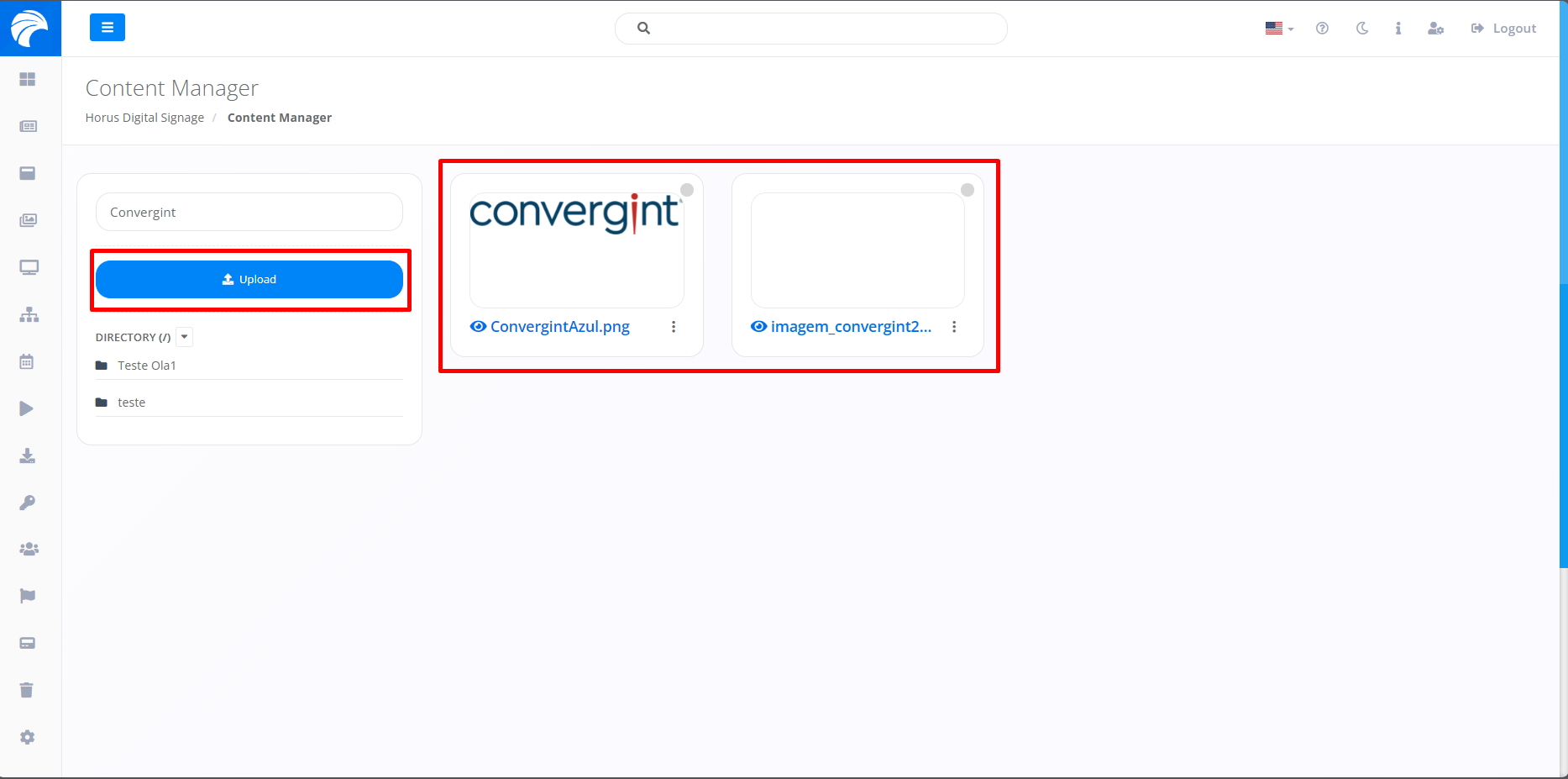
After accessing the Content Manager tab, the system will open the screen where we will first define by clicking on "Upload", which, if it already has some content, should be listed on the right of the interface.
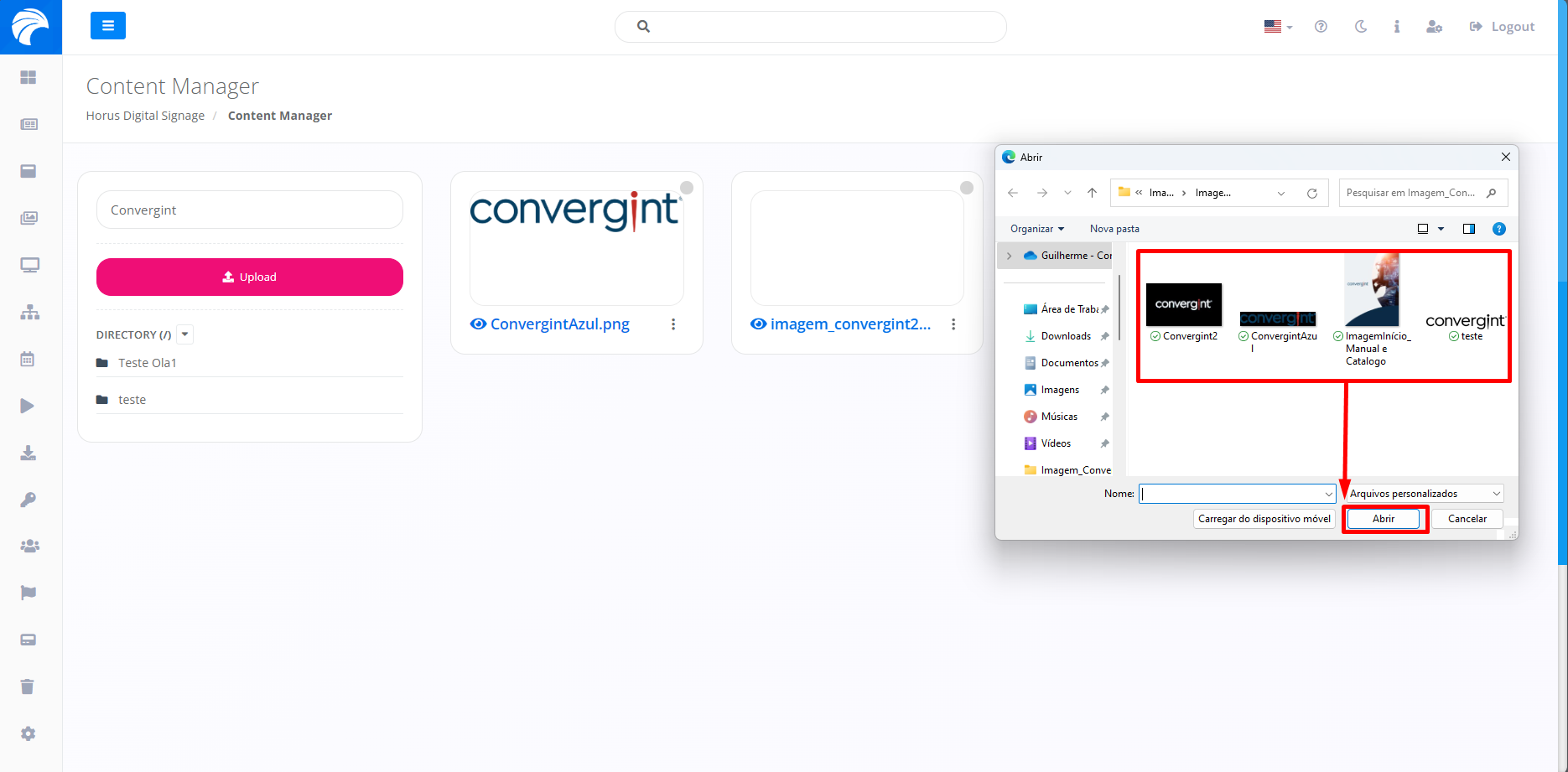
When you click on the Upload button, you will need to select a media File (images or videos) from your computer's File storage and then click on "Open". This will transfer the file to Horus DS.
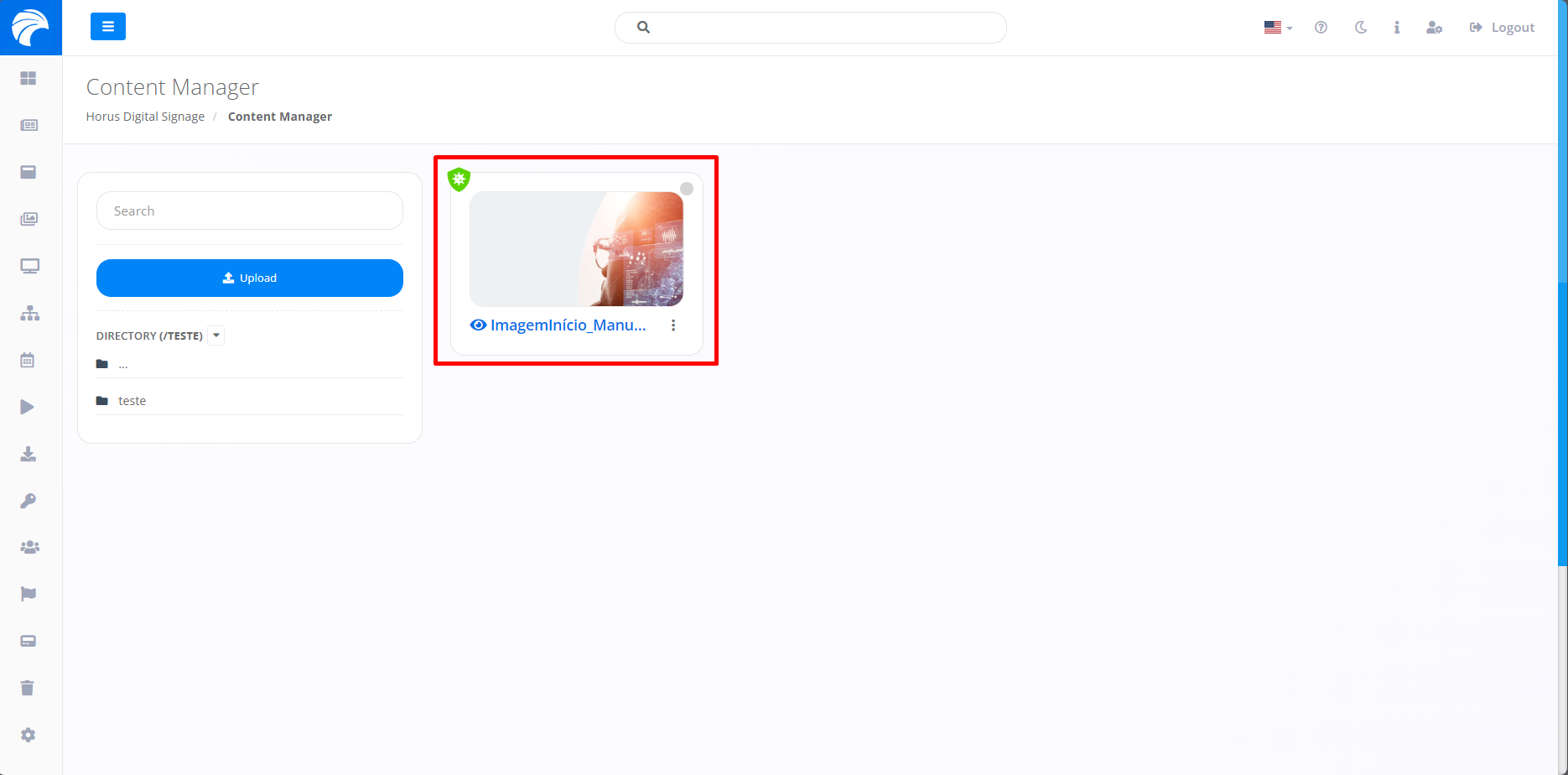
The selected File will then be added to the Content Manager.